
Variable Data Printing
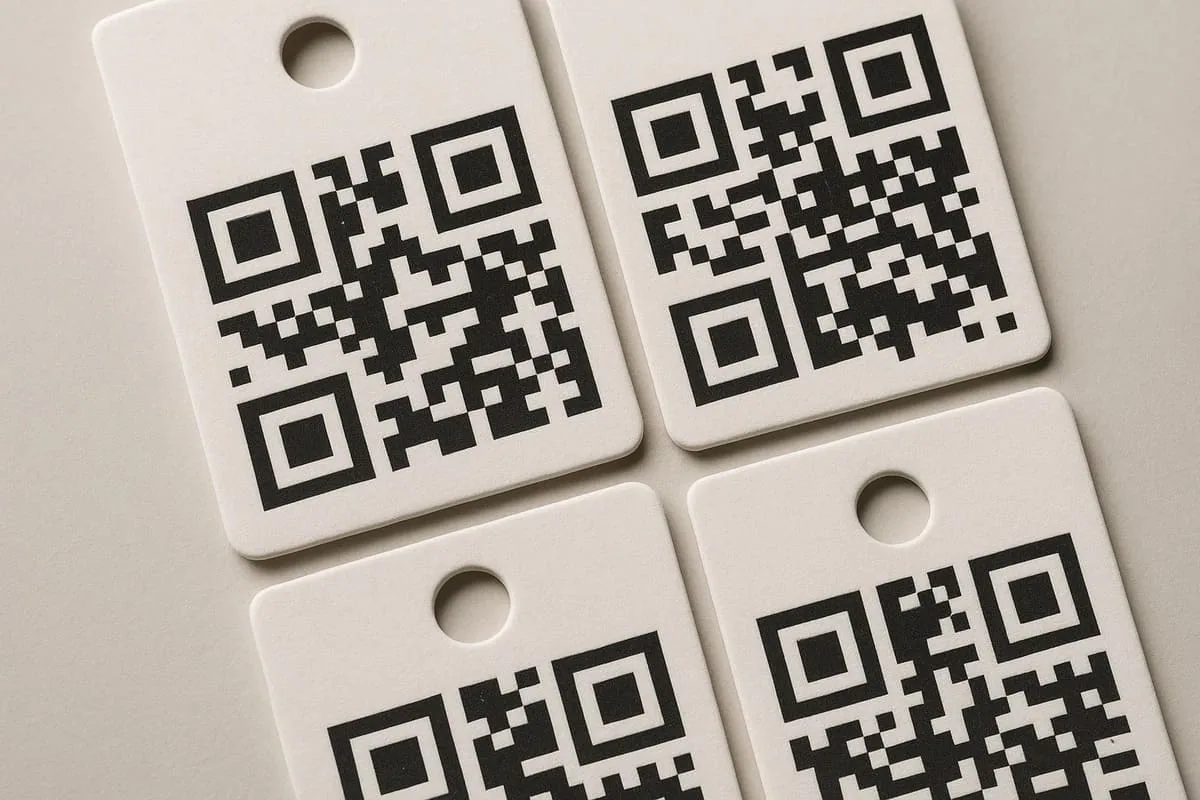
Variable data printing allows selected information to change from one tag to the next, such as a product code, serial number, price, batch reference or unique URL. It needs a clean data source, an agreed format and a proofing process before production.
Define what changes and what stays fixed
Separate the stable artwork from the fields that vary. Name each data field clearly and agree the permitted format, for example whether a code includes spaces, leading zeros or a prefix.
The data source should be complete and owned by the person approving the product information. Do not build production data from an informal copy-and-paste list without checking for duplicates, missing values or unintended formatting.
Design the variable area deliberately
Reserve enough space for the longest realistic value, not only the shortest example. A price, serial number or product name that grows unexpectedly can upset the layout or reduce readability.
Keep variable codes separate from artwork that must remain identical. This makes proofing more reliable and helps prevent the data field from being mistaken for fixed copy.
Use a controlled proofing process
Review a representative sample of records, including short, long and unusual values. Confirm the sequence, position, data formatting and any code scanability before full production.
Practical checklist
- Provide one approved source of variable data.
- Define the maximum expected length for every changing field.
- Review representative records, not only the first record.
- Confirm serialisation, price and code rules before production.
Decision context
Separate the fixed design from controlled variable records
Variable data printing combines stable artwork with fields that change, such as SKU, size, colour, price, serial number, barcode or QR destination. Define every field, data type and maximum length before the layout is approved so longer values do not collide with surrounding design elements.
Use a clean table with one record per output and consistent column names. Preserve leading zeros where they matter, remove hidden spaces and duplicates, and identify the authoritative source. Images or language variants need equally controlled filenames and an explicit mapping to each record.
Proof representative extremes rather than one convenient row. Check the longest name, highest price, smallest code, special characters and every required language. For numbered output, confirm the starting value, sequence, duplicates policy and the expected total against the order quantity.
The final brief should connect the data file, fixed artwork, version rules and finishing specification. Sample-check produced tags against the source records and test functional codes. This treats variable print as an information process, not merely a visual text replacement.