
For retail displays
Retail & Pricing Tags
Build a clear product-information system with a practical format, readable price area and options for barcodes or product references.
Choose a format
Retail tag formats for pricing and display

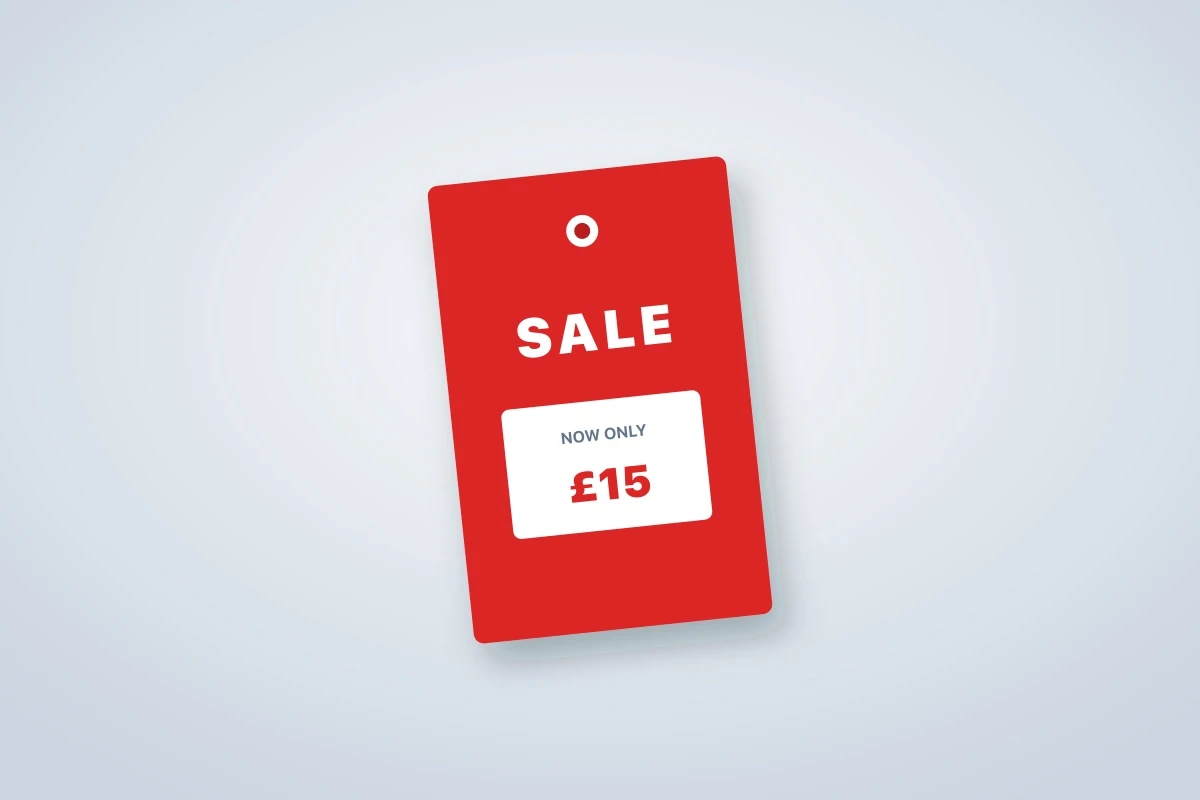

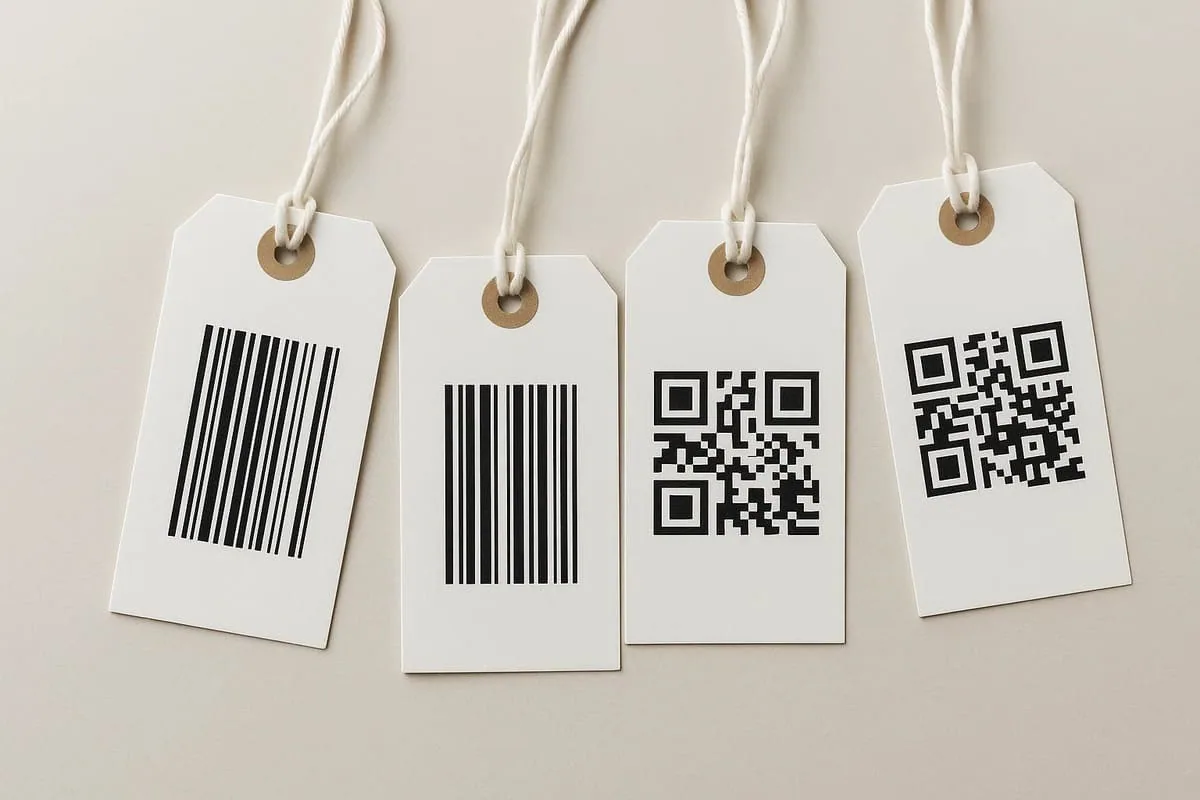

Standard Swing Tags
A rectangular starting format for brand, price and product information.
View product
Plan the specification
What to consider for retail & pricing tags
Retail tags must help both the shopper and the store team. A clear hierarchy separates brand and product benefits from operational details such as price, SKU, barcode, size and stock references.
Scanning
Give barcodes sufficient size, contrast and quiet space, then test the printed result with the scanners used in store.
Price changes
Use a writable area, variable print or detachable ticket where staff need to update or retain price information.
Range architecture
Keep stable information in common artwork and define controlled fields for product, colour, size and promotional variants.
Information hierarchy
Details the tag may need to carry
- Product name and variant
- Price and currency
- SKU, EAN or internal reference
- Size, colour or quantity
- Promotion terms or QR destination
Production notes
Turn the idea into a workable tag
Perforation can separate a customer-facing panel from a stock or claim stub. The tear line, duplicated references and barcode position need to be planned together.
High-contrast promotional tags should remain consistent with the product and should not obscure legally required packaging information.
Decision context
Design retail tags for shoppers and store operations
A retail ticket has two audiences. Shoppers need an understandable product and price hierarchy; staff may need SKU, EAN, size, colour, stock or promotion references. Arrange those functions deliberately so operational fields remain easy to find without overwhelming the customer-facing message.
Choose the update method before artwork is final. Variable print can produce product-specific versions, an uncoated area can accept handwriting or stamping, and perforation can separate a customer panel from a retained stub. Each method changes the layout, proofing process and quantity breakdown.
Barcodes need sufficient dimensions, contrast and quiet space. Test the printed output with the scanners used in the store, not only a phone screen. Avoid placing codes across folds, perforations, strong textures, reflective finishes or curved parts of a hanging tag.
Connect each ticket to a controlled product data source and version list. The final specification should state the fixed artwork, variable fields, number of records, finished size, material, hole or perforation position and attachment. That reduces mismatches between printed tickets and live retail inventory.