
Barcodes & QR Codes
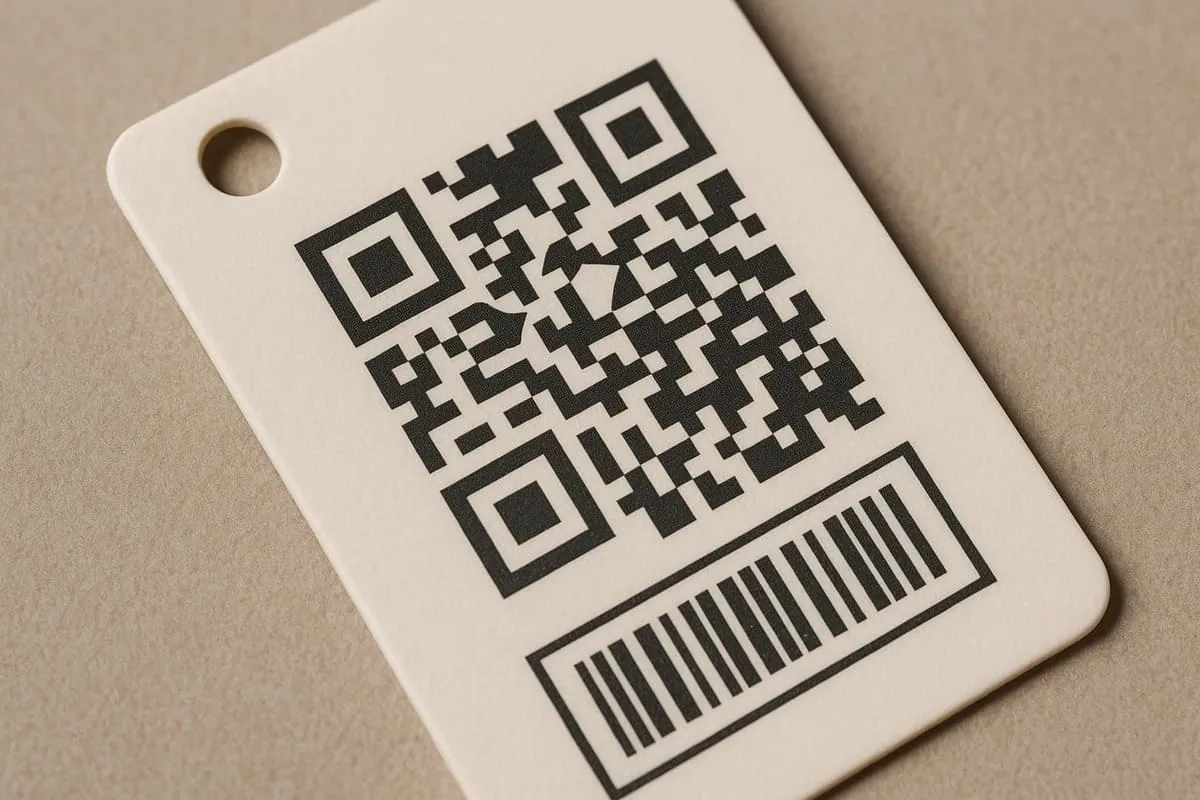
A barcode or QR code works best when it is treated as a functional part of the artwork: choose the code type first, preserve clear space around it, keep it off folds and holes, and test it at the final printed size.
Start with the job the code must do
Use a barcode when stock control or retail scanning needs a product identifier. Use a QR code when the tag needs to send a customer to a changing destination such as care information, instructions, a product page or a campaign.
The data carried by the code, the final tag size and the surface it will be printed on all influence the space that should be reserved. Share the intended code and its purpose in the brief rather than treating it as an afterthought.
Place codes where they can be scanned
Keep the code away from the hole, string, fold and trim edge. A clean surrounding area helps a scanner distinguish the code from nearby copy, patterns and finishing effects.
Avoid placing a code across a fold or a strongly textured area. If a dark card, foil or special finish is planned, ask for a production check before finalising the artwork.
Use a final-size proofing routine
Do not judge scanability only from a zoomed-in screen view. Export at final print size, check that the code remains sharp, then test a representative file on more than one device where possible.
Practical checklist
- Supply the original barcode or QR data rather than a screenshot where possible.
- State the intended scan destination and whether it may change after print.
- Keep human-readable product information nearby when it is useful to the customer.
- Include the code in the artwork review and test at final size.
Decision context
Treat every code as functional data
A barcode or QR code must encode the correct destination or product identifier before visual styling is considered. Confirm the symbology, data source and ownership of each value. For variable runs, use a controlled record list and keep a traceable relationship between artwork versions and printed items.
Size, contrast and clear space determine whether a code can be read. Avoid low-contrast colours, reflective foil, heavy texture, folds, perforations and strong curvature. Preserve the required quiet zone and do not stretch the code disproportionately to fill a design area.
Generate codes as clean vectors or suitable high-resolution assets, then test them at actual printed dimensions. Use the scanners, retail system or mobile devices relevant to the intended setting. A successful scan from an enlarged screen does not validate a small code on the finished stock.
For QR codes, check the live destination, redirect behaviour and mobile page before production. Printed links cannot be edited unless the encoded destination is managed accordingly. Record the final data set and sample-check variable output so artwork quality and information accuracy are both approved.