
Folded & Shaped Templates
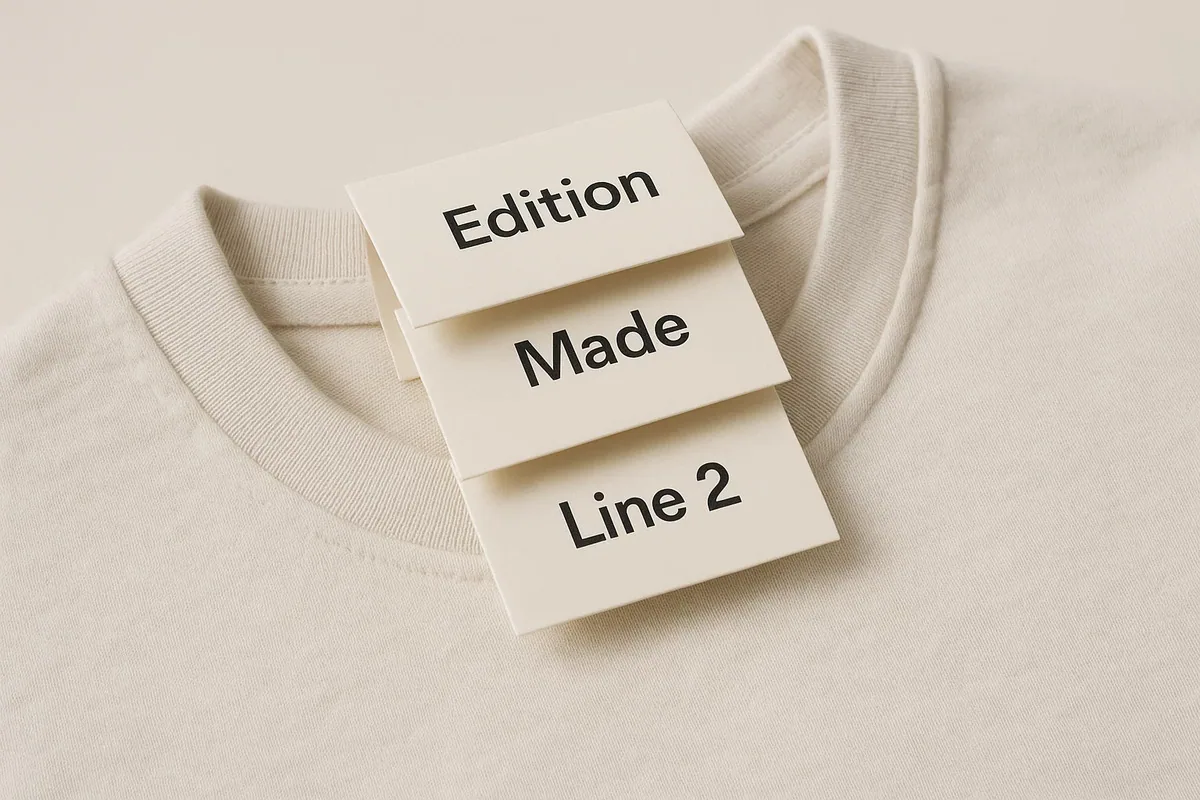
Folded and shaped swing tags need more than a rectangular trim box. The template must distinguish cut paths, fold or score lines, bleed, safe areas, drill holes and any perforation. Artwork should be checked in both flat production view and finished folded or hanging orientation.
Folded tag setup
Panel widths, fold direction and front-to-back orientation must be clear. Keep text away from folds, account for panel sequencing and avoid heavy ink or delicate finishing directly across a score unless tested. A paper mock-up is the quickest way to catch an inverted or misplaced panel.
Shaped tag setup
Supply the outer cut as one clean closed vector path. Extend bleed beyond every edge and keep essential information clear of tight corners and narrow projections. Mark the hole independently so the hanging balance can be checked.
Technical layer checklist
- Cut paths are closed and non-printing.
- Scores, folds and perforations use distinct labels.
- Bleed follows the complete outer shape.
- Safe areas protect content near irregular edges.
- Front and reverse align in the intended orientation.
- Foil, varnish or embossing layers are separated.
- A folded or cut mock-up has been reviewed at actual size.
Decision context
Use the dieline to model the complete construction
A folded template needs closed size, flat size, trim, bleed, safe area and fold direction. A shaped template needs the approved cut path and safe clearance around every curve or projection. When both features are present, fold and cut geometry must be checked together rather than prepared as separate visual effects.
Keep production paths on clearly named vector layers and follow the supplied instruction for non-printing lines. Add drill holes, perforations, foil or Spot UV as separate elements. Do not scale a template after artwork has been laid out unless every dimension, line weight and finishing position is rechecked.
Create a full-size paper dummy. Fold it in the intended direction, attach it to the product and confirm that panels open correctly, artwork is upright and the hole does not lock the construction. Check front-to-back orientation before exporting a double-sided file.
A template provides geometry, not the full quote. State material, print, finishing, attachment, quantity and artwork version with the file. Custom silhouettes or folds should be confirmed for production before a launch or packaging system is designed around an assumed cutting method.