
File Formats
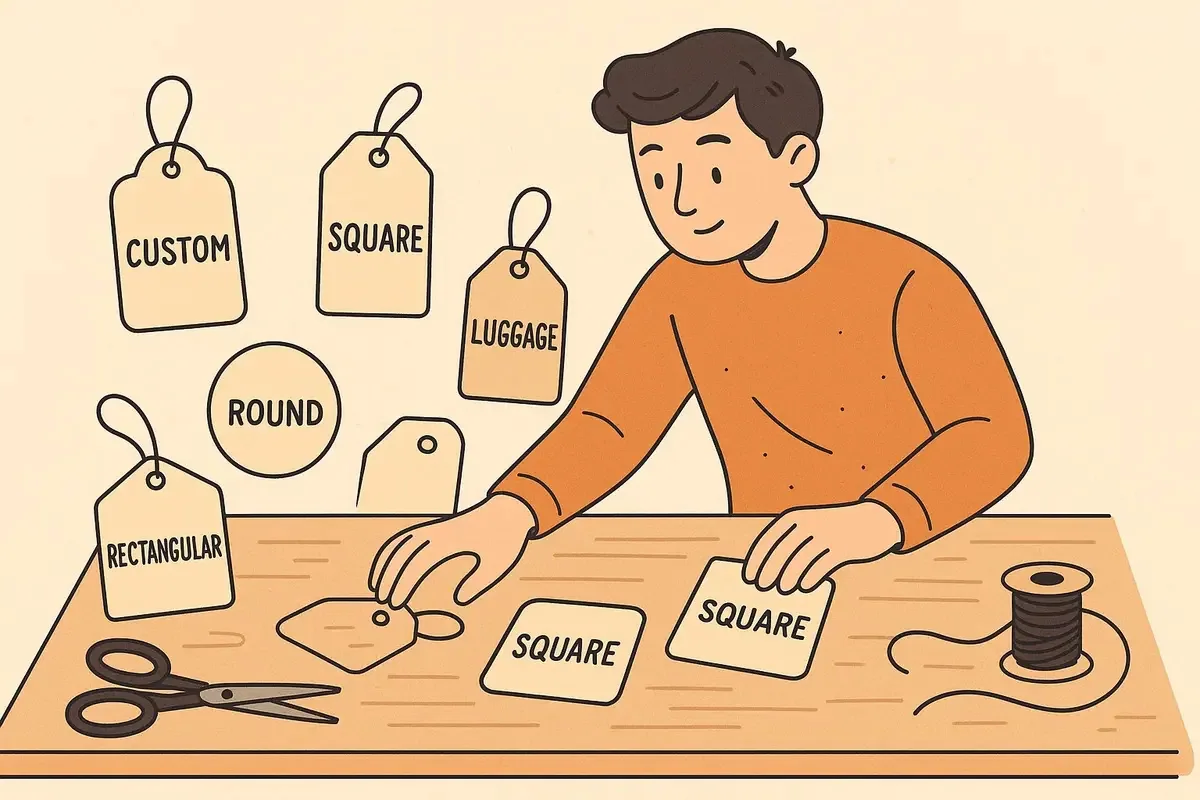
A print-ready file should preserve the artwork at final size, keep text and graphics sharp, and make linked assets and special instructions clear. A vector-based PDF is often a practical handover format, but the exact requirement should be confirmed for the selected job.
Choose a file that preserves the artwork
Vector artwork keeps logos, type and line work crisp because it is defined mathematically rather than by a fixed grid of pixels. Raster imagery can also be used where appropriate, but it needs enough detail for the final printed size.
A final PDF is useful because it is easy to review consistently. Keep the original working files too, especially when the design contains editable copy, variable information or special print layers.
Package the artwork carefully
Confirm that fonts, linked images and any special layers have been handled as requested before the file leaves the design application. Name versions clearly so the team knows which artwork is current.
If the tag includes foil, white ink, variable data or a special finishing area, do not assume it will be understood from appearance alone. Label the intended treatment and ask how it should be supplied.
Make the handover easy to review
A short note with the final format, sides, stock, finish, hole or attachment and deadline makes the artwork file easier to assess. It also gives the production conversation a reliable record of the intended item.
Practical checklist
- Export artwork at the confirmed final size.
- Keep original files and the final review PDF together.
- Name versions and sides clearly.
- Describe special print layers or finishing requirements in the handover note.
Decision context
Supply editable structure as well as a visual reference
A print-ready PDF is useful because it can preserve page size, vectors, colour settings and embedded fonts. Native AI or other editable vector artwork may be requested when production paths, variable data or special-finish separations need adjustment. A JPEG screenshot alone does not provide the same structure.
Keep logos, text, dielines, drill holes and special finishes as vectors wherever practical. Linked bitmap images need sufficient effective resolution at their placed size. Fonts should be embedded or converted according to the artwork instructions, while retaining an editable source file for later corrections.
Name layers and spot separations by function, such as CUT, FOLD, FOIL or SPOT UV. Do not flatten these elements into a visual mock-up without also supplying the production-ready paths. Remove hidden alternatives and obsolete pages that could make the approved version ambiguous.
Export at the exact finished dimensions with the required bleed and inspect the resulting file, not only the design application. Include a visual reference and a short specification covering size, stock, printed sides, finish and attachment. That lets prepress compare file structure with the intended product.